Desktop Moon
Get closer to the Moon.
An interactive desktop Moon with measured lunar surface imagery, terrain normals, and a phase explorer.
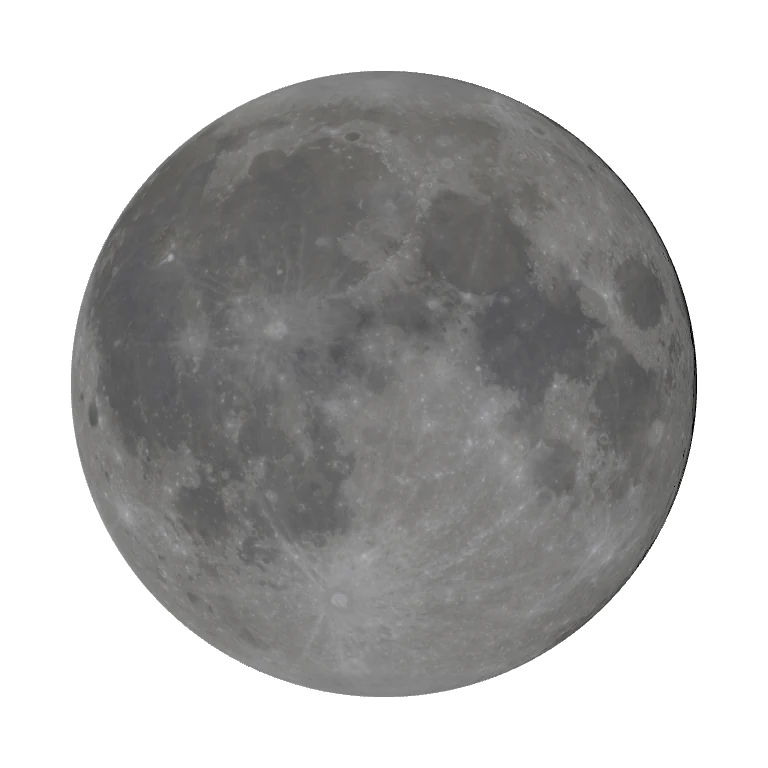
Native render exports. Lab 3D uses the app’s 2K color and normal maps; the lighting slider is illustrative, not a date-calibrated phase calculation.
What it does.
Desktop Moon lets you turn the lunar surface in your hands. The native renderer combines calibrated LROC color data with terrain normals derived from LOLA elevation, then lights that surface for the selected lunar phase.
Measured surface detail
Bundled LROC color and LOLA-derived terrain normals reveal craters under grazing light.
Explore lunar phases
Live phase and a Phase Explorer, with Earthshine and an Earth-facing reset in the native app.
Direct controls
Guided or free rotation, pinch and scroll zoom, keyboard rotation, and a dedicated desktop movement mode.
Choose render quality
Native 2K, 4K, and 8K texture pairs, adaptive scheduling, hidden-state suspension, and reduced-motion behavior.
A closer look.
Behind the application.
Current status
A locally packaged macOS build is available in the source folder. No public Developer ID/notarized release was verified.
Asset credits
NASA / LRO / LROC science team, Arizona State University, and LOLA. The source project processed the calibrated LROC data locally; this is not NASA’s December 2025 processed map.