MacDeck
Your Mac, within reach.
An iPhone controller for the Mac, with a responsive trackpad, native keyboard, and customizable control decks.
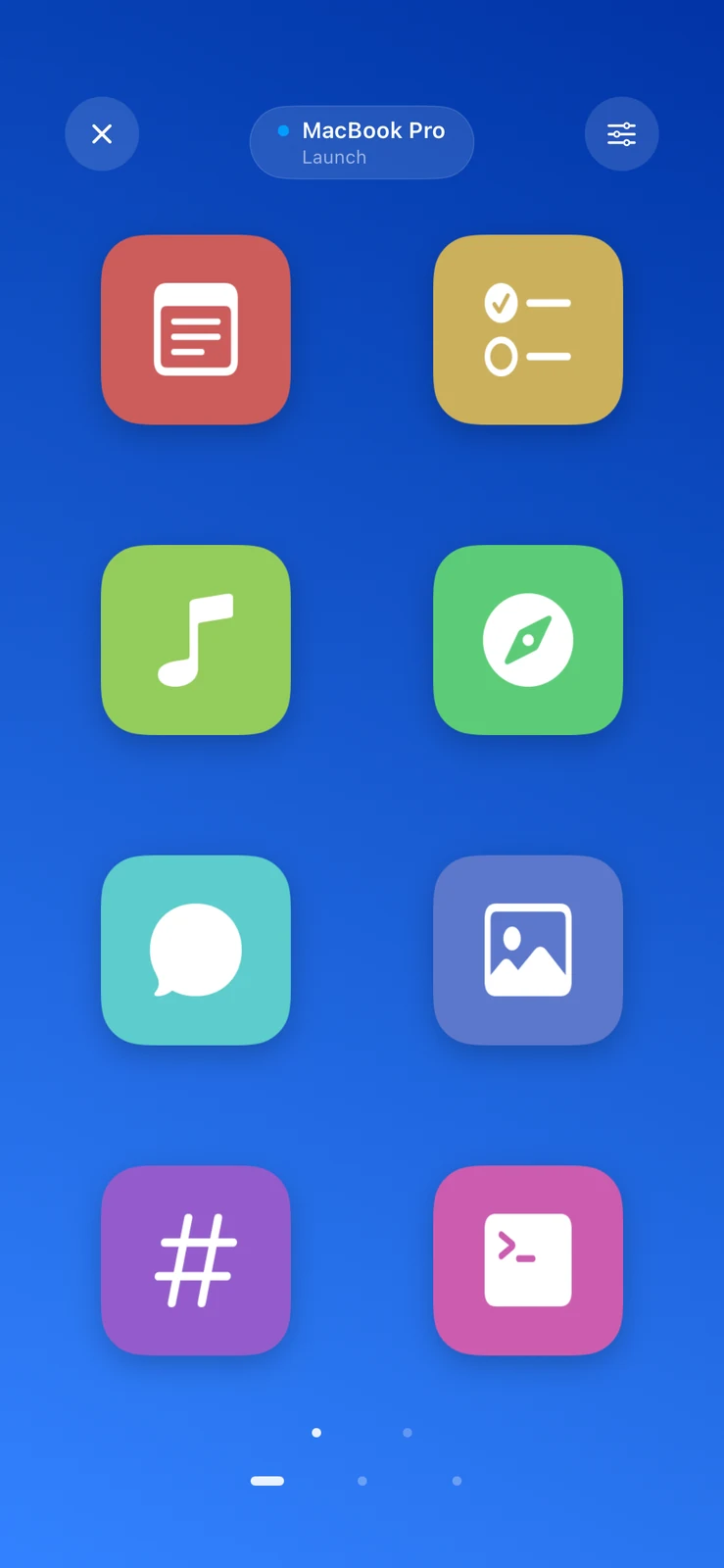
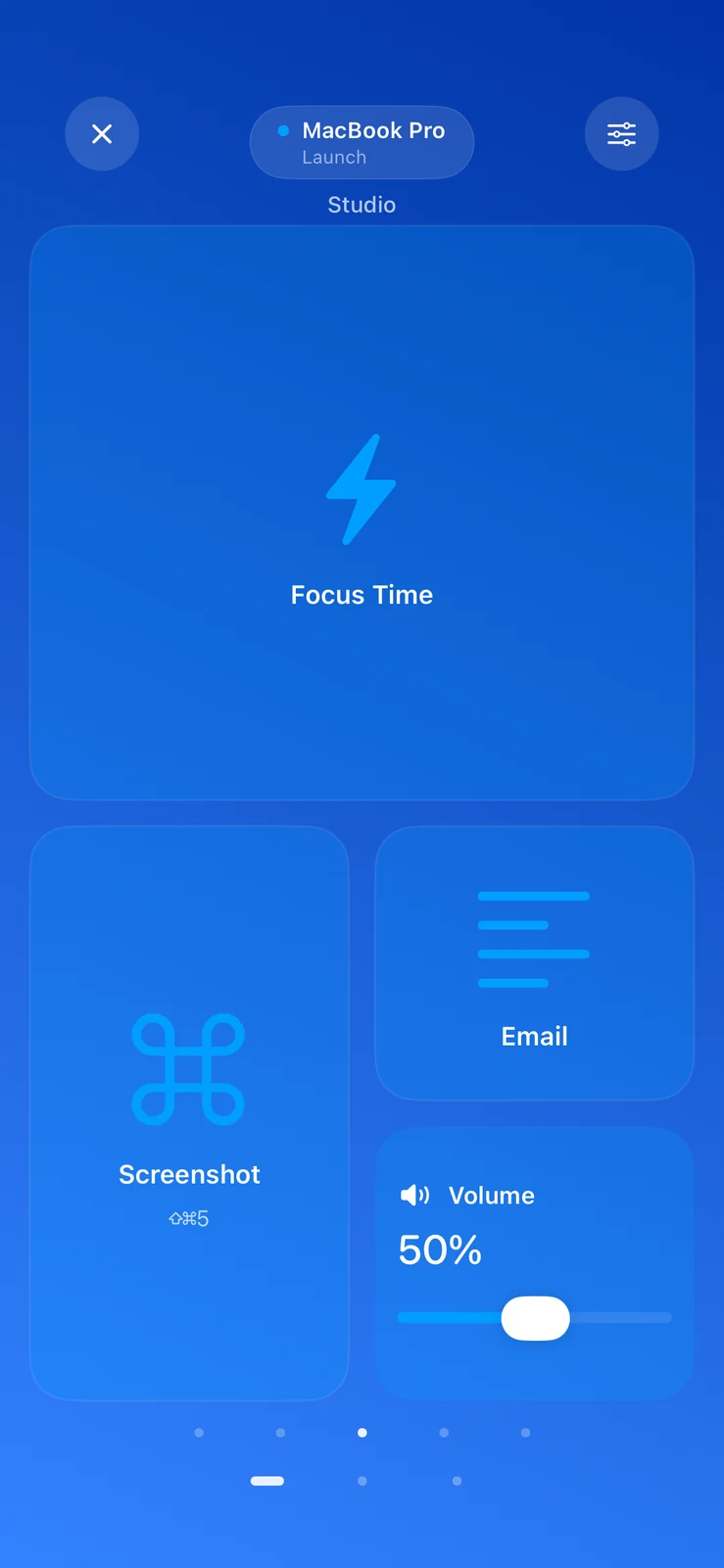
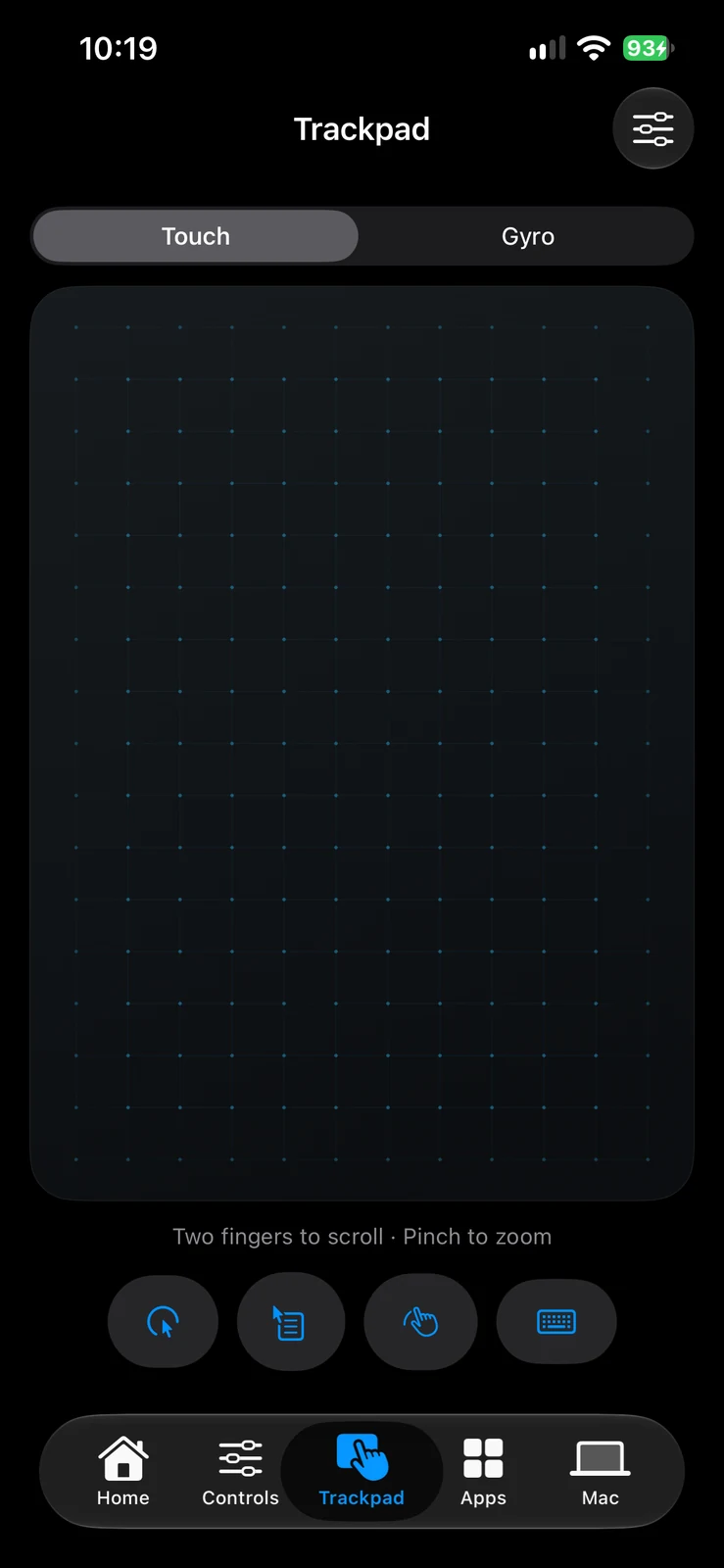
Native iPhone screenshots. The Deck images include local validation fixtures.
What it does.
MacDeck brings the controls I reach for on my Mac onto my iPhone. A paired Mac companion handles commands, while the phone becomes a trackpad, keyboard, app launcher, and a collection of personalized controls.
Touch and motion
Move the pointer, scroll, pinch to zoom, or use the opt-in gyro mode. A responsive touch surface follows your fingers.
Make your own deck
Arrange app and folder pins, Mac Shortcuts, key combinations, snippets, sliders, and countdown controls into named pages.
Control the Mac
Adjust volume and brightness, select an audio output, and view shared Mac system information.
Paired communication
A native Mac companion and iPhone controller communicate over authenticated, encrypted local-network channels.
A closer look.
Behind the application.
Current status
Version 1.2.3 is packaged locally. No public App Store release was verified. Some hardware-specific controls still need broader device testing.