
Desktop Globe
A little Earth on your desktop.
An interactive Earth with solar illumination, city lights, clouds, and a transparent desktop window.
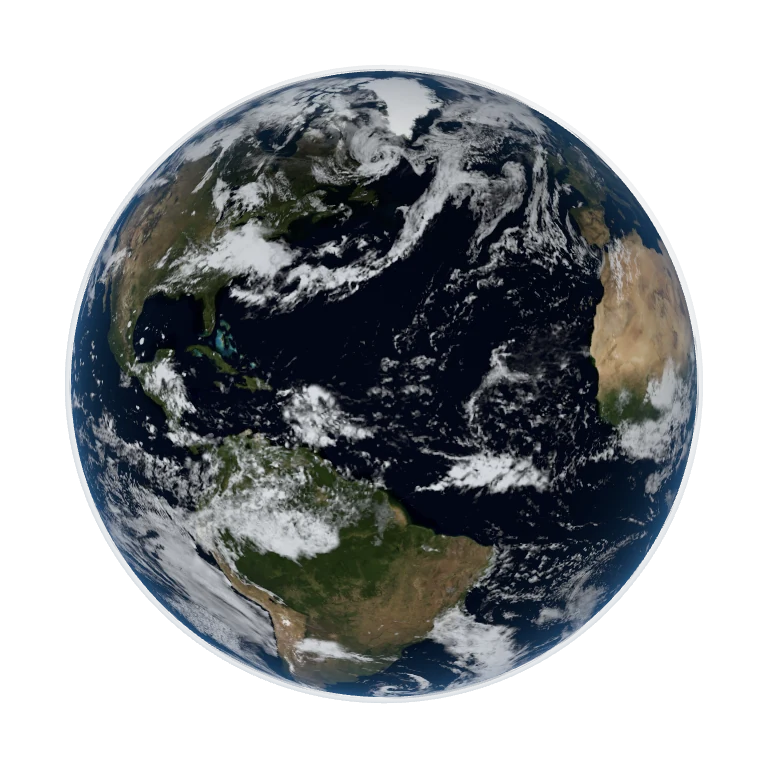
Native app render. Lab 3D uses the same bundled NASA textures with a simplified browser lighting model; it is not live weather.
What it does.
Desktop Globe puts a real three-dimensional Earth above the wallpaper. Dragging turns the globe, while the Sun’s direction stays independent of your view. A time explorer makes the day and night boundary something you can explore.
Rotate and explore
Guided or free trackball rotation, inertia, pinch and scroll zoom, keyboard controls, and a reset to the default view.
Follow the light
Solar illumination is calculated for the current or selected time. Historical NASA imagery supplies the land, clouds, and city lights.
Live on the desktop
Transparent desktop placement, saved position, size presets, and a menu-bar recovery action.
Rest when idle
Adaptive rendering pauses when hidden or asleep and respects Low Power Mode, thermal limits, and Reduce Motion.
A closer look.
Behind the application.
Current status
A locally packaged, ad-hoc signed macOS build is present. Public distribution and notarization were not verified.
Asset credits
NASA Earth Observatory / Goddard: Blue Marble September 2004, Black Marble 2016, historical 2002 cloud composite.